Lucky Star Login Not Working? 7 Quick Fixes (2026 Guide)
Last updated: · Written for players in India · 18+ only
Quick answer: If Lucky Star login is not working, first re-check your ID and password, clear your browser cache, update the app from the official support link, and confirm your internet is stable. If the problem continues, contact the official Lucky Star WhatsApp support team. Never use unknown links or forwarded files.
What is Lucky Star login?
Lucky Star login means signing in to your Lucky Star account with the ID and password you received from the official Lucky Star support team. Lucky Star Casino is an India-focused online gaming ID provider, and players use their ID for live casino games, teen patti, andar bahar, slots and cricket markets. You can sign in from the Lucky Star Login page.
Why does Lucky Star login fail?
Most login errors come from a small set of causes:
- Wrong ID or password (extra space, capital letters, wrong characters)
- Old browser cache or saved data
- An outdated app version
- Weak or unstable internet
- Using a fake or old website link
- Account temporarily locked after many wrong attempts
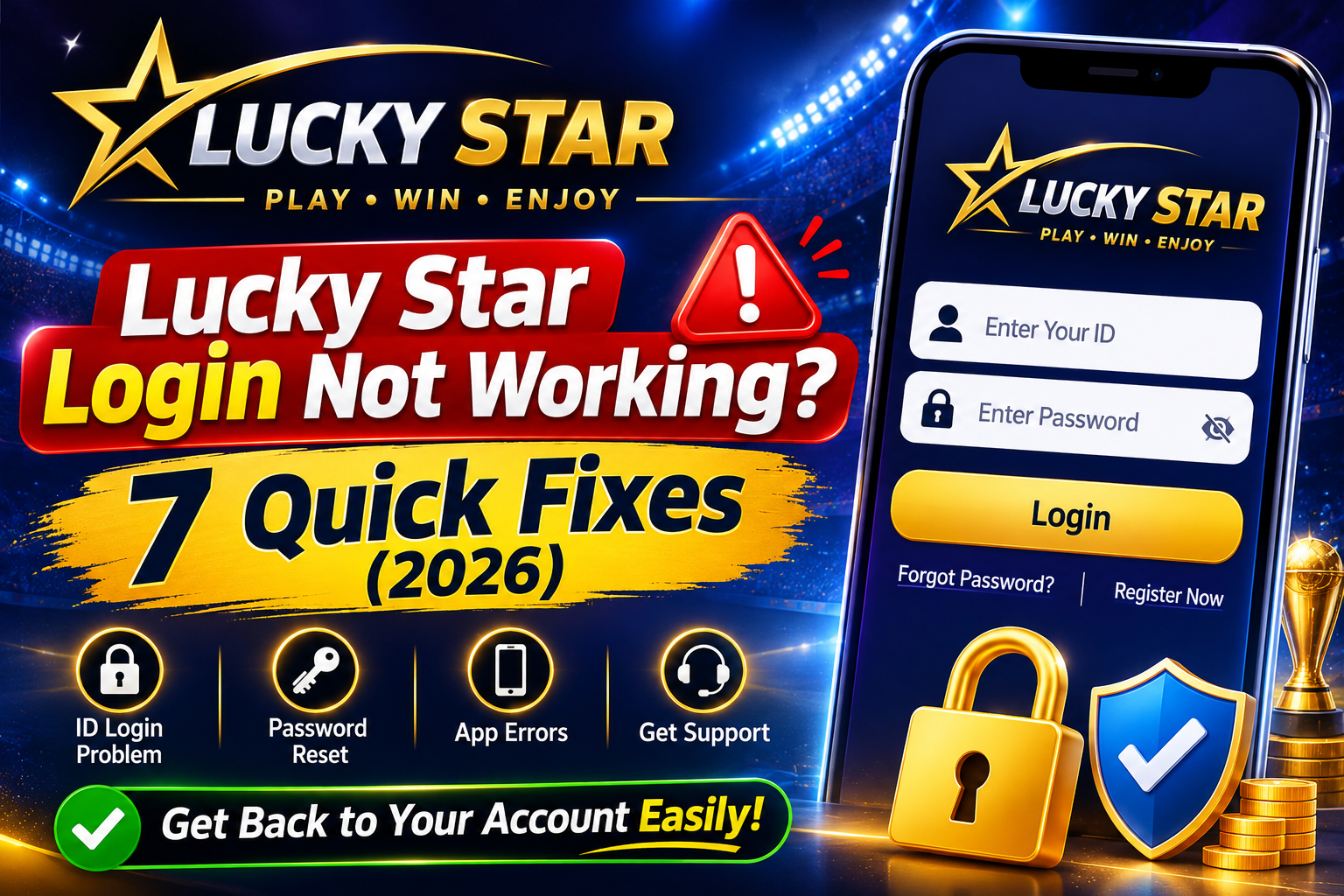
7 Quick Fixes for Lucky Star Login Problems
-
Re-check your ID and password
Type them slowly. IDs and passwords are usually case-sensitive. Do not copy extra spaces. Turn off auto-capitalisation on your phone keyboard.
-
Clear browser cache and cookies
Old saved data can block the login page. Clear cache in your browser settings, restart the browser and try again.
-
Update the Lucky Star app (from the official link only)
An old app version can fail to log in. Always take the app link from the official support team. Do not download the app from random websites, Telegram groups or forwarded APK files.
-
Check your internet connection
Switch between Wi-Fi and mobile data. A weak signal is a very common reason for "login failed" or endless loading.
-
Try another browser or device
If Chrome fails, try another browser or your phone. This quickly tells you whether the issue is with the device or the account.
-
Make sure you are on the official website
Check that the address is luckystarofficial.com. Fake sites copy the design to steal IDs and passwords. Use the Login button on the official website.
-
Contact official support on WhatsApp
If nothing works, use the Get ID button on the website to reach the official WhatsApp support team. Tell them your problem and the error message you see. They can help with account access.
How to stay safe while logging in
- Never share your ID or password with anyone, including people who claim to be "support".
- Support will never need your OTP or banking PIN for login help.
- Avoid public Wi-Fi for logging in.
- Do not click links from unknown senders.
- Withdrawal times, limits and bonuses can vary, so always confirm current details with official support.
Play responsibly
Lucky Star is for adults aged 18+ only. Play for entertainment, set a budget and take breaks. Read our Responsible Gaming page for more guidance.
Frequently Asked Questions
Why is my Lucky Star login not working?
Usually because of a wrong ID or password, old cache, an outdated app or poor internet. Follow the 7 fixes above, then contact official support if it continues.
How do I get a Lucky Star ID?
A Lucky Star ID is provided by the official WhatsApp support team. Use the Get ID button on the website. See our register page.
I forgot my Lucky Star password. What should I do?
Contact the official support team on WhatsApp and they will guide you on account recovery.
Is it safe to download the Lucky Star app from any website?
No. Take the app link only from the official support team and avoid unknown sites and forwarded files.
Can I use Lucky Star login on mobile and desktop?
Yes, you can try both. If one device fails, test the other to find the cause.
Is Lucky Star only for India?
Lucky Star Casino is focused on players in India, with English and Hindi support.
Need more help? Visit our Contact page.